Video
VideoSeedance 2.5New
Smooth motion for dance and character movement.
Every account includes 10 free credits per day. Advanced models, video generation, and higher usage require paid credit packs or a subscription. Browse inspiration without signing up, then generate privately after login.
Choose a model for your content, from realistic photography and product visuals to concept art.
Get inspired by MiraFrame creation examples
Start with a template for portraits, posters, product shots, and seasonal ideas.
Experience the next generation of AI image generation with a faster, cleaner creation flow.
Free users can use up to 10 credits per day; unused free credits do not roll over.
Choose models for product composition, portraits, illustration, text rendering, and rapid visual drafts.
Translate detailed prompts into visual scenes with subject, camera, mood, style, and layout controls.
Write a prompt, choose a model, set the ratio, and generate without leaving the creation workspace.
Signed-in tasks can be saved with their credit records; temporary homepage results disappear after refresh.
Explore portraits, posters, product images, cinematic concepts, illustrations, and social media visuals.
Experience the power of MiraFrame AI image generator with advanced AI creation and editing tools.
Create polished visual directions quickly for concepts, campaigns, and everyday content without interrupting your creative flow.
Generate an image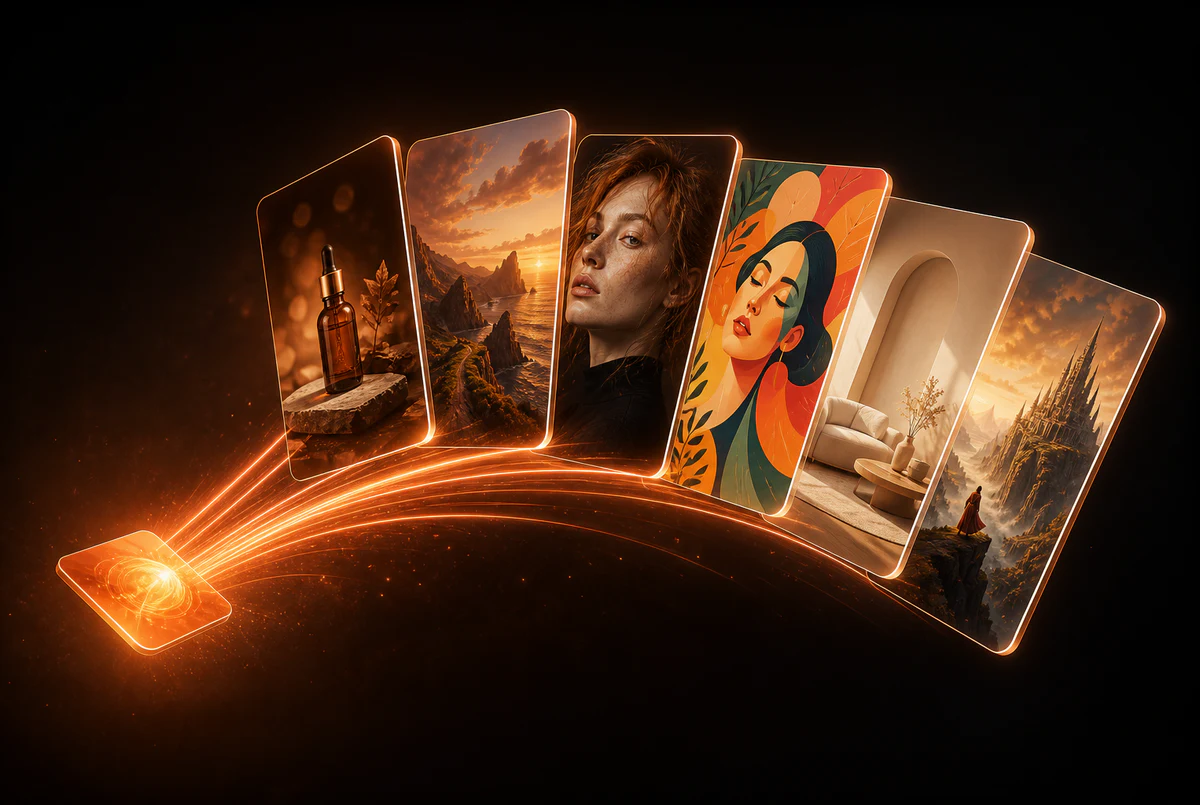
Pick the subscription or credit pack that fits how often you create.
A simple way to try image and video generation
For steady image, video, and editing workflows
For teams, heavy creators, and commercial work
More detailed answers about MiraFrame AI, free generation, models, history, and usage rules.
MiraFrame AI sends your text prompt and optional reference images to the selected generation model, then returns images you can preview, download, and refine.
The Free plan includes up to 10 free credits per day, and unused free credits do not roll over. Advanced models, video generation, higher usage, and priority queues require paid credit packs or a subscription. Current prices are displayed on the Pricing page before purchase.
The page focuses on a compact generator, visible model choices, inspiration examples, styles, pricing, and FAQ in one continuous flow.
You can browse and generate temporary homepage results without signing in. Temporary results are not saved and disappear after refresh; signed-in generations are saved and consume credits according to the selected model.
Product shots, portraits, posters, anime concepts, editorial visuals, fantasy scenes, and social media graphics are all natural fits.
Signed-in tasks can be stored with account and credit records. Temporary homepage results are not saved and disappear after the page is refreshed.
Commercial use depends on the model, input material, and your local rules. Confirm provider terms before publishing.
Quality, speed, and cost depend on the selected model and the external provider response.
Use the app workflow and admin tools to inspect tasks, credits, and user activity.
Describe subject, scene, style, lighting, camera, mood, color palette, and output use.
The sidebar tool pages include image-to-image and image editor flows for follow-up work.
Yes. The related tool pages include text-to-video and image-to-video generators.